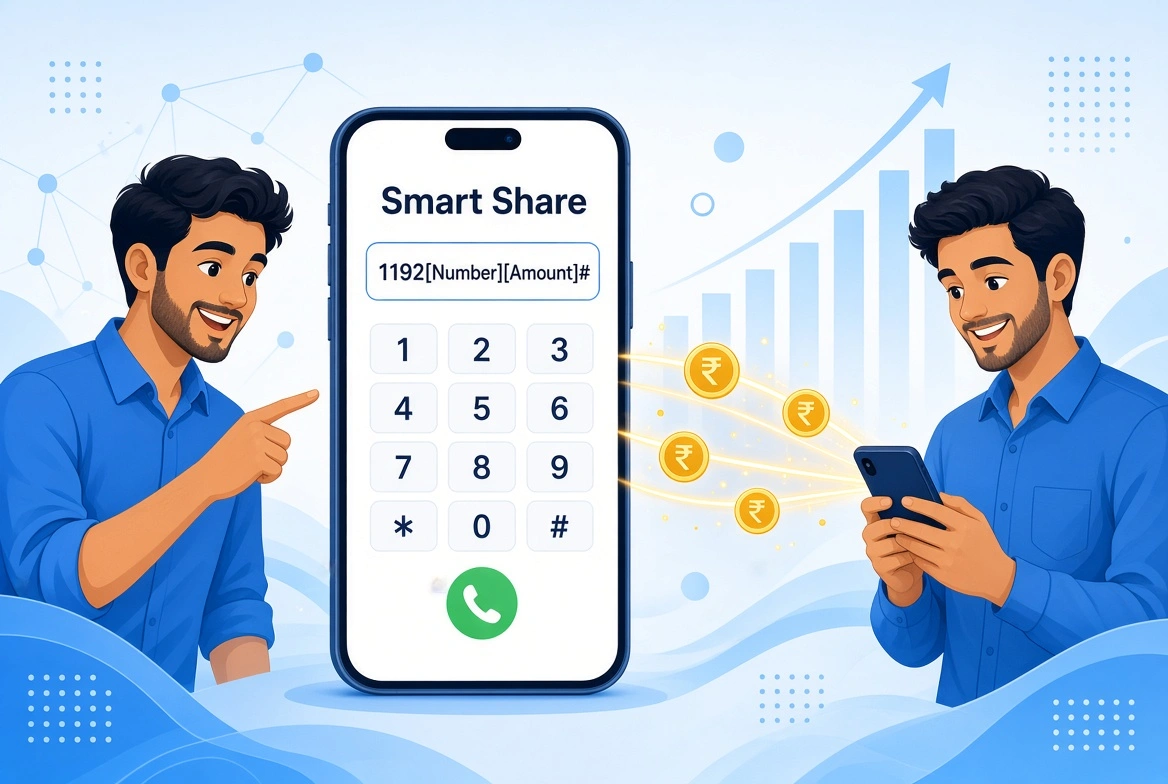
Need to send balance to a friend or family member? Telenor makes it easy to transfer balance from one Telenor SIM to another using the Telenor Smart Share service.
Here is exactly how you can share your Telenor balance in just a few seconds.
How to Share Telenor Balance
Open your phone’s dialer and enter the following code:
*1*1*92[Mobile Number]*[Amount]#
Example: If you want to share Rs. 50 with the number 0333-1234567, you will type:
*1*1*923331234567*50#
Note: Make sure to remove the leading zero of the mobile number and replace it with 92.
Confirming the Transfer
After dialing the code, you will receive a prompt on your screen asking you to confirm the transaction. Simply reply with 1 to confirm. Both you and the receiver will get an SMS notification once the balance is successfully transferred.
Telenor Smart Share Details at a Glance
| FEATURE | DETAILS |
|---|---|
| Balance Share Code | *1*1*92[Number]*[Amount]# |
| Confirmation Code | Reply with 1 |
| Eligibility | Telenor Prepaid to Prepaid customers only |
| Service Charges | Standard taxes and service fees apply per transaction |
Important Things to Keep in Mind
⦿ Prepaid Only: This service only works between two Telenor Prepaid accounts. Postpaid users cannot use Smart Share.
⦿ Minimum Balance: You need to have enough balance to cover both the shared amount and the transaction tax.
Looking for a quick top-up yourself? Check out our guide on the Telenor Advance Loan Code to get an emergency balance instantly!
Frequently Asked Questions
Have questions about the Telenor Balance Share service? Here are the answers to the most common questions about the balance share code, charges, eligibility, and how to transfer balance to another Telenor number.