Many of us have been using the same mobile number for years without actually knowing whose name is on the legal registration paperwork. Maybe a parent bought the SIM for you when you were in school, or perhaps you bought it from a roadside retailer before stricter biometric laws were introduced. Because financial apps like JazzCash, EasyPaisa, and bank account OTPs require your SIM card to be registered under your own National Identity Card (CNIC), verifying your SIM ownership today can save you from massive headaches tomorrow.
Tip:
Make sure your Telenor SIM is registered under your own CNIC, especially if you use it for banking apps or account verification. It’s also a good idea to check your registered SIMs from time to time and report any unknown numbers.
Method 1: Check Who Owns Your SIM via SMS (The 667 Code)
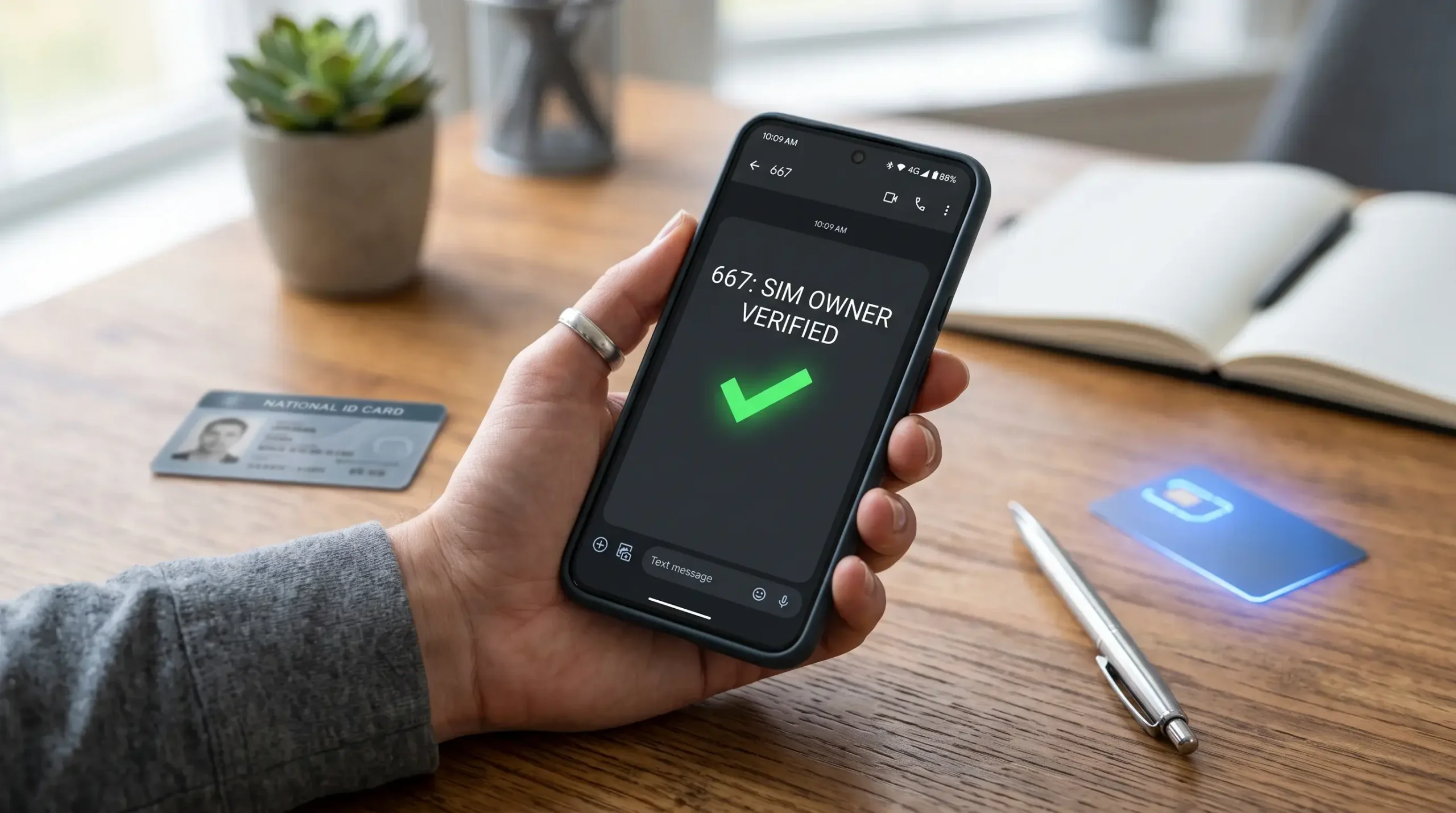
The fastest and most reliable way to find out who legally owns the Telenor SIM sitting inside your phone is by using Pakistan’s national SIM verification shortcode. This method works on smartphones, tablets, and basic button keypad phones alike:
1. Open the default messaging app on your mobile phone.
2. Create a new blank text message, or simply type the word MNP (Mobile Number Portability) in the message body.
3. Send this text message to the shortcode 667.
4. Within a few seconds, you will receive an official system SMS reply containing three crucial pieces of legal information:
➤ Owner Name: The full legal name of the person registered against the SIM.
➤ CNIC Number: The 13-digit identity card number (with some digits masked for security) linked to the account.
➤ Activation Date: The exact date when the SIM was originally purchased and biometrically verified.
Note: Sending an SMS to 667 costs a standard network inquiry charge of approximately Rs. 2.50 plus tax. Make sure you have at least Rs. 3 in your prepaid balance before trying this method.
Method 2: Check Ownership via the My Telenor App (100% Free)
If you have an active internet connection or Wi-Fi, you can view your SIM ownership details without paying any SMS inquiry fees. The official app displays your registered account profile in real-time:
1. Open the My Telenor App on your iPhone or Android device.
2. On the top left or top right corner of the home screen, tap on your circular Profile Icon or open the sidebar menu.
3. Tap on My Profile or Account Details.
4. Right at the top of your profile dashboard, you will see the registered owner’s full name along with your active phone number. If you are a postpaid user, your billing address and credit limit will also appear here.
Method 3: How to Check Total SIMs Registered to Your CNIC Online
While the first two methods tell you who owns a specific SIM card, you might also want to check the reverse: How many Telenor SIM cards are legally registered against your own ID card? The Pakistan Telecommunication Authority (PTA) provides two official ways to check your total SIM count:
➤ Via SMS (668): Open your messaging app, type your complete 13-digit CNIC number without any hyphens or spaces (for example: 3520112345678), and send it to 668. You will receive a summary text listing how many active prepaid and postpaid SIMs you own across Telenor, Jazz, Zong, and Ufone. (Charge: around Rs. 2 per SMS).
➤ Via the Official PTA Website (Free): Open your mobile or laptop browser and go to cnic.sims.pk. Enter your 13-digit CNIC number in the box, complete the simple captcha verification to prove you are not a robot, and click Submit. A clear table will appear showing your exact active SIM count across every telecom operator in Pakistan.
What Should You Do If Your SIM is Registered to Someone Else?
If you check 667 and discover that the phone number you use every day is actually registered under a sibling’s, parent’s, or stranger’s name, you should transfer the legal ownership to your own CNIC as soon as possible. Here is how the official transfer process works:
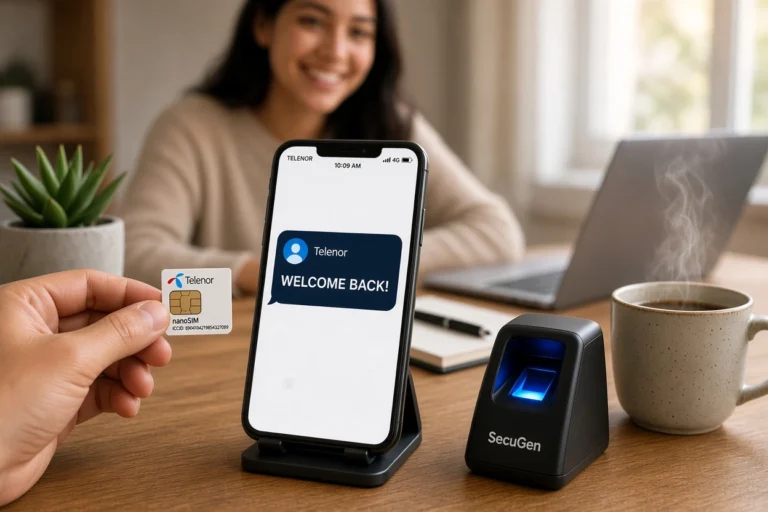
If the current registered owner is a family member or friend who is accessible, both of you need to visit the nearest authorized Telenor Franchise together. Carry both of your original CNICs. Tell the customer service executive that you want to perform a “Change of Ownership” (Biometric Reverification). The current owner will place their thumb on the biometric device to release the number, and you will place your thumb on the scanner to legally register the SIM under your name. The process takes less than ten minutes and costs a nominal SIM replacement fee.
Frequently Asked Questions
Want to check who a Telenor SIM is registered to or verify your SIM ownership? Here are answers to common questions about Telenor SIM ownership, CNIC verification, SIM registration, and checking SIMs registered in your name.