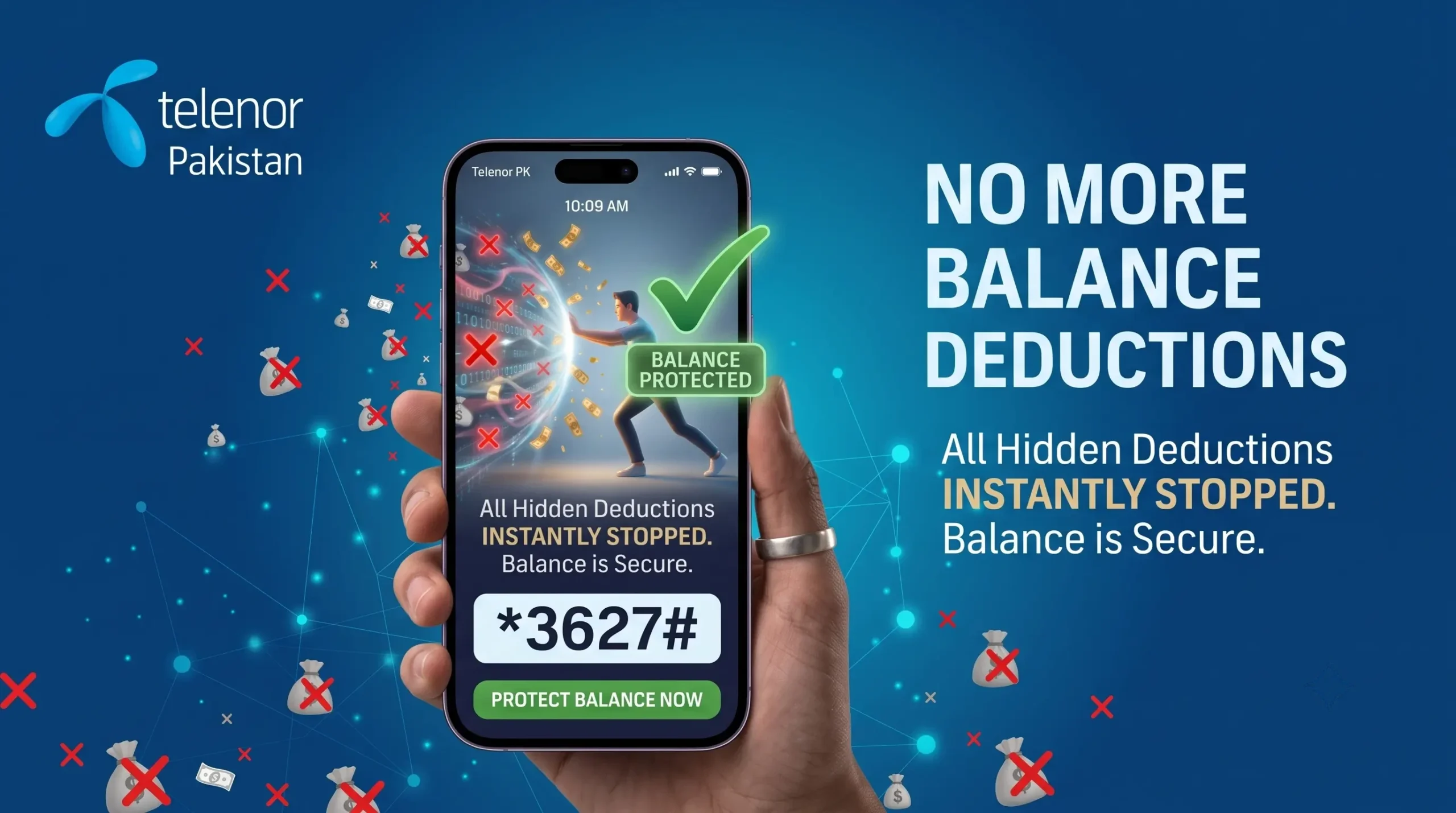
Have you ever noticed that your Telenor balance keeps decreasing even though you haven’t made any calls or sent any SMS? This usually happens because of unwanted subscriptions. You may be subscribed to services like caller tunes, news alerts, sports updates, or other value-added services without realizing it. These services automatically renew and keep deducting money from your balance.
The good news is that you can easily unsubscribe from these services. It only takes a few minutes to stop unwanted subscriptions and protect your balance.
A Quick Heads-Up About Internet Deductions: If your Telenor balance only disappears after your internet package expires, then hidden subscriptions are probably not the problem. Your phone is simply using your main balance for internet at the normal rate once your data package ends.
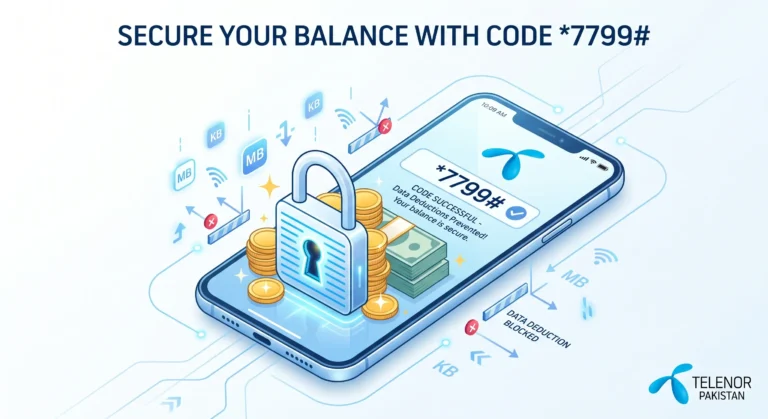
The good news is that you can stop this easily. Simply activate the Telenor Balance Saver Code service to protect your balance. To safely lock your balance and stop this from happening, check out our quick guide on the Telenor Balance Saver Code.
Ways to Unsubscribe from Telenor Hidden Services
If you think random services are quietly eating up your mobile load, here are the quickest ways to track them down and turn them off:
| METHOD | HOW TO DO IT |
|---|---|
| My Telenor App | View and remove offers in the “My Subscriptions” tab |
| Customer Helpline | Call 345 and request a total VAS deactivation |
| Stop Promo SMS | Send “Block” to 3627 |
Method 1: Unsubscribe via My Telenor App (The Best Way)
The official app gives you full transparency. You can see exactly which services are active on your number and remove them individually without calling the helpline.
1. Open the My Telenor App on your smartphone.
2. Navigate to the “My Account” or “History” section from the dashboard.
3. Tap on “My Subscriptions”. Here, you will see every active package, caller tune, and daily alert.
4. Tap the “Unsubscribe” button next to any hidden or unwanted service to remove it instantly.
Method 2: Call the Helpline for a “Clean Sweep”
If you do not have a smartphone or prefer a guaranteed fix, the Telenor support team can wipe all hidden subscriptions from their system.
⦿ Dial 345 from your Telenor number.
⦿ Follow the automated voice instructions to connect to a live customer care representative.
⦿ Clearly ask the representative to “Deactivate all Value Added Services (VAS) and hidden promotional offers” from your account.
Method 3: Stop Annoying Promotional SMS
Sometimes, the problem isn’t a paid service. You may keep receiving promotional SMS messages about new Telenor offers. The good news is that you can stop these messages easily.
⦿ Go to your phone’s SMS app.
⦿ Type the word Block.
⦿ Send it to 3627.
Frequently Asked Questions
Is your Telenor balance disappearing without any reason? Here are the most common questions about stopping balance deductions, removing hidden subscriptions, and keeping your Telenor SIM safe from unwanted charges.