If you are a registered taxpayer in Pakistan, getting your annual telecom tax certificate is one of the smartest ways to save money. Every time you load a scratch card, use EasyLoad, or pay your monthly bill, an advance withholding tax is collected by the government. By downloading your official Telenor tax certificate, you can easily claim back this money when submitting your FBR tax returns.
Why Do You Need This Certificate?
A Telenor tax certificate shows the mobile taxes deducted from your Telenor number during a specific financial year. If you file an income tax return in Pakistan, you may need this certificate to keep a record of the tax already paid. It can also help you or your tax consultant provide the required details when filing your FBR tax return.
Method 1: Download via My Telenor App (The Easiest Way)
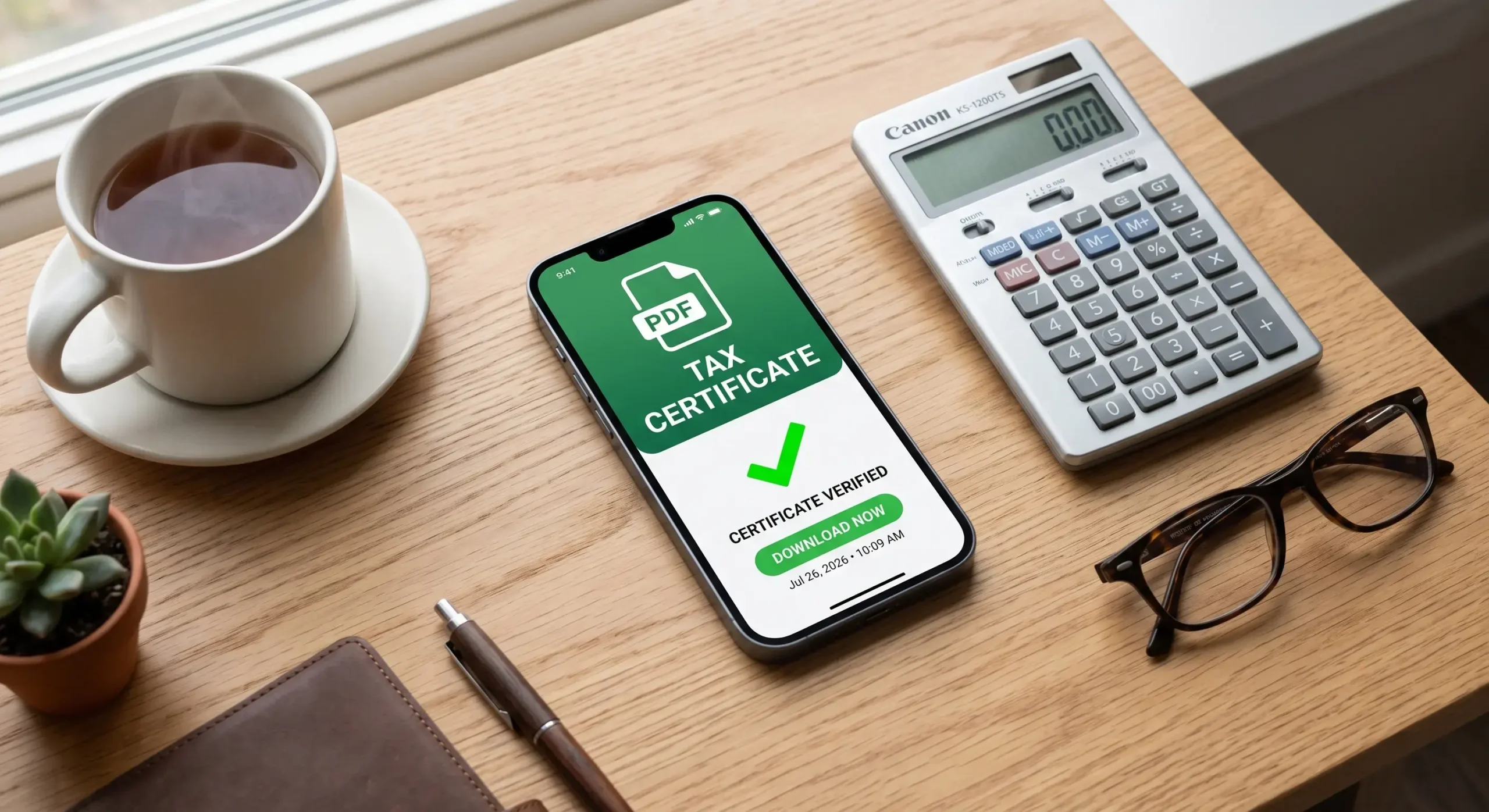
You no longer need to stand in long queues at a customer care center just to get a printed sheet of paper. The official app generates a verified, computerized PDF certificate in real-time. Just follow these simple steps:
- Open the My Telenor App on your iPhone or Android smartphone. If you are logged out, enter your mobile number and authenticate with the One-Time Password (OTP).
- On the bottom right corner of the home screen, tap on the Menu icon (or tap your profile picture at the top left).
- Scroll down the list of options and select Tax Certificate.
- A new screen will pop up asking you to choose a time period. Select the exact Financial Year you need (for example, July 1 to June 30 of the respective tax year).
- Tap the bright green button that says Download Certificate or Generate PDF.
- The file will automatically save to your phone’s Documents or Downloads folder. You can now email this PDF directly to your tax consultant or upload it to the FBR Iris portal.
Method 2: How to Get Your Tax Certificate via Email
What if the app is facing server issues, or you are trying to get a tax statement for a corporate SIM card that isn’t logged into the app? You can easily request your certificate through Telenor’s official email support:
- Open your email account and create a new message addressed to telenor345@telenor.com.pk.
- In the subject line, write: Request for Tax Certificate – [Your Mobile Number].
- In the email body, clearly mention your full name, your National Identity Card (CNIC) number, your active Telenor number, and the specific financial year you need the tax details for.
- To verify your identity, attach a clear, double-sided picture of your CNIC to the email.
The support team usually verifies your account details and replies with an official, digitally stamped PDF certificate within 24 to 48 working hours.
Method 3: Visiting a Franchise or Customer Care Center
If you prefer a physical, hard-copy paper stamped by an official representative, you can always visit your nearest franchise. Make sure you carry your original physical CNIC with you. Simply tell the counter representative that you need your annual withholding tax statement for FBR return filing. They will print out the official document, stamp it, and hand it to you within minutes. This service is completely free of cost.
Understanding Your Financial Year Dates
A very common mistake users make is downloading the tax report for the regular calendar year (January to December). In Pakistan, the FBR tax year runs from July 1st to June 30th of the following year. When selecting the dates inside the app, make sure you choose the complete fiscal year cycle so that no deductions are left out of your tax claim.
Frequently Asked Questions
Need your Telenor tax certificate for tax filing or personal records? Here are the most common questions about downloading, checking, and getting your Telenor tax certificate online.