We have all experienced this at some point-you find an old SIM card sitting in a wallet or desk drawer, put it into your smartphone, and suddenly see a frustrating “No Service” or “Emergency Calls Only” message on your screen. When you stop using a SIM for several months, the network automatically puts it to sleep to protect your account. The good news is that waking up your dormant number is actually very easy, and you can usually do it in just a few minutes.
Tip:
Before trying to reactivate an old Telenor SIM, check whether the number is still registered in your name. If the SIM has been inactive for a long time, it may have been disconnected or recycled, so checking its status first can save you time and effort.
What Exactly is a Dormant SIM Card?
Before we talk about fixing your number, let’s quickly explain what the word dormant actually means. In simple, everyday English, a dormant SIM is simply a SIM card that has been put to sleep by the telecom network. It is not dead, and it has not been permanently canceled by the company-it is just temporarily suspended because you haven’t used it for a while.
Think of it like a bank account that becomes inactive when you stop making deposits or withdrawals for several months. The network turns off your signals to save system space and protect your unattended number from being misused by strangers. But the moment you show the company that you are back and ready to use the number again, they turn your signals right back on!
Why Does the Network Put SIM Cards to Sleep?
In Pakistan, telecom companies follow strict rules set by the government and the Pakistan Telecommunication Authority (PTA). Operators cannot leave unused phone numbers open forever. If you don’t make a call, send a text message, use mobile internet, or recharge your balance for a certain period, the network automatically changes the status of your SIM based on how long it has been sitting idle:
Number Recycling (Over 6 months off): If a SIM card is abandoned for more than half a year, the company assumes you no longer want it. They have the legal right to completely cancel your ownership and sell that same phone number to a new customer in the market.
Light Dormancy (30 to 90 Days off): This is just a light nap. Your SIM might stop connecting to 4G internet and stop you from making outgoing calls, but you can usually still receive incoming calls and text messages from friends.
Deep Dormancy (90 to 180 Days off): This is a deep sleep. Both incoming and outgoing services are temporarily turned off. When you insert the SIM into your phone, your screen will say “No Service,” “SIM Registration Failed,” or “Emergency Calls Only.”
Method 1: Quick Self-Reactivation at Home (For SIMs Off for 1 to 3 Months)
If your SIM card has only been dormant for a short time (around one to three months), you don’t need to visit any shop or customer care center. You can wake up the connection right from your home by following this simple routine:
- Put your dormant Telenor SIM card into SIM Slot 1 of your smartphone and turn the phone on.
- Check the top corners of your screen. If you see signal bars and the word “Telenor” appear, your chip is still connected to the network towers!
- Do a quick recharge of at least 50 or 100 rupees using EasyLoad, JazzCash, EasyPaisa, or a scratch card. Adding money to your balance instantly tells the telecom computers that the owner is back.
- Make one short phone call or send a simple text message to any friend or family member. This fully re-opens your two-way cellular traffic.
- Finally, dial *2222# immediately to claim your free welcome-back data and calling minutes!
Method 2: Biometric Thumb Verification (If Your Phone Says “No Service”)
What if you put the SIM into your phone, restart it, and the screen still says “No Service”? This simply means your number has gone into deep dormancy. When a SIM sits unused for over three months, the network temporarily puts the signals on hold until you confirm your identity. Don’t worry-you don’t have to travel far to fix this!
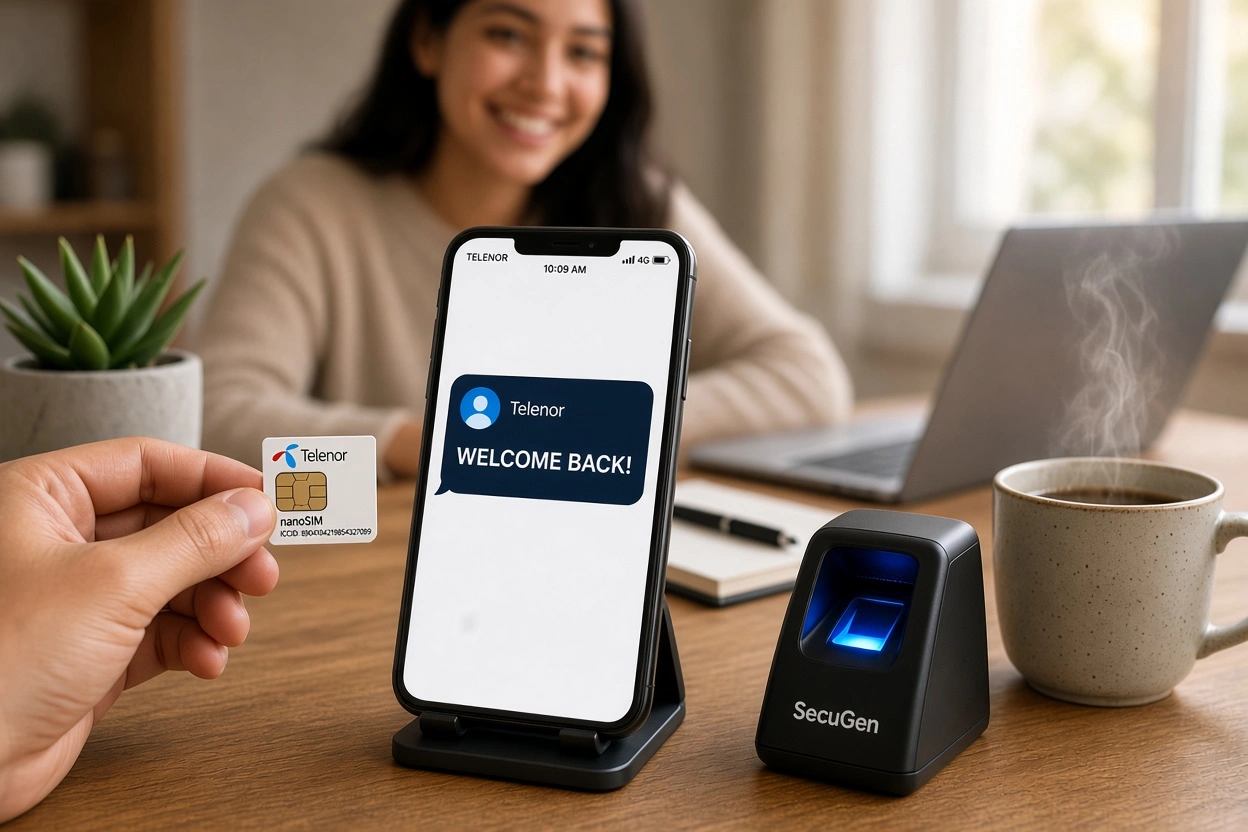
Just take your original computerized National Identity Card (CNIC) and walk to your nearest Telenor Franchise, customer service center, or even a local neighborhood shop that does EasyLoad and has a biometric thumb scanner. Tell the shopkeeper: “I want to do a biometric thumb verification to open my dormant Telenor SIM.” You will place your thumb or finger on the scanner, the device will check your fingerprint with the government NADRA database, and your dormant SIM signals will light up within 15 to 30 minutes!
Method 3: What if You Lost the Dormant SIM or the Chip is Damaged?
Sometimes an old dormant SIM card won’t catch signals simply because the golden metal chip on the back has gotten scratched, rusty, or damaged from humidity while sitting in a drawer. If you try the biometric verification and your smartphone still won’t read the card-or if you simply lost the old plastic SIM somewhere in your house-you need a replacement jacket.
Visit an official Telenor Franchise with your original ID card and ask for a Duplicate SIM Replacement for your dormant number. The staff will verify your thumbprint and hand you a brand-new, super-fast 4G SIM card that has your exact same old phone number programmed onto it. A replacement SIM usually costs a small fee of around 150 to 200 rupees, and the new chip starts working instantly before you even step out of the shop.
How to Check if You Still Own the Dormant Number
Before you spend money trying to recharge or replace an old SIM that has been dormant for more than six months, it is a very smart idea to check if you still legally own the number. If too much time has passed without any activity, the company might have already transferred it to someone else.
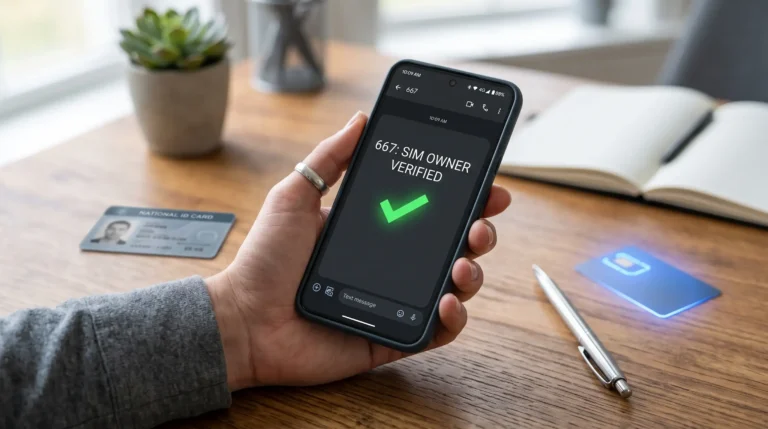
To check your ownership, open the messaging app on any working mobile number that is registered under your ID card. Type your 13-digit CNIC number (without any dashes or spaces) and send it in an SMS to 668. Within a minute, you will receive an official message showing the exact number of active SIM cards registered under your name across all networks. If your old Telenor number is still counted in that list, you can safely go ahead and reactivate it!
Frequently Asked Questions
Is your Telenor SIM inactive or dormant? Here are answers to common questions about Telenor SIM reactivation, checking SIM status, reactivating an inactive SIM, and getting your number working again.