Need an emergency balance? If your Telenor balance has run out, you can quickly get an advance loan to make calls, send SMS, or stay connected when you need it most.
The Emergency Loan Code
Getting your advance balance takes about three seconds. Just open your phone’s dialer and type in this code:
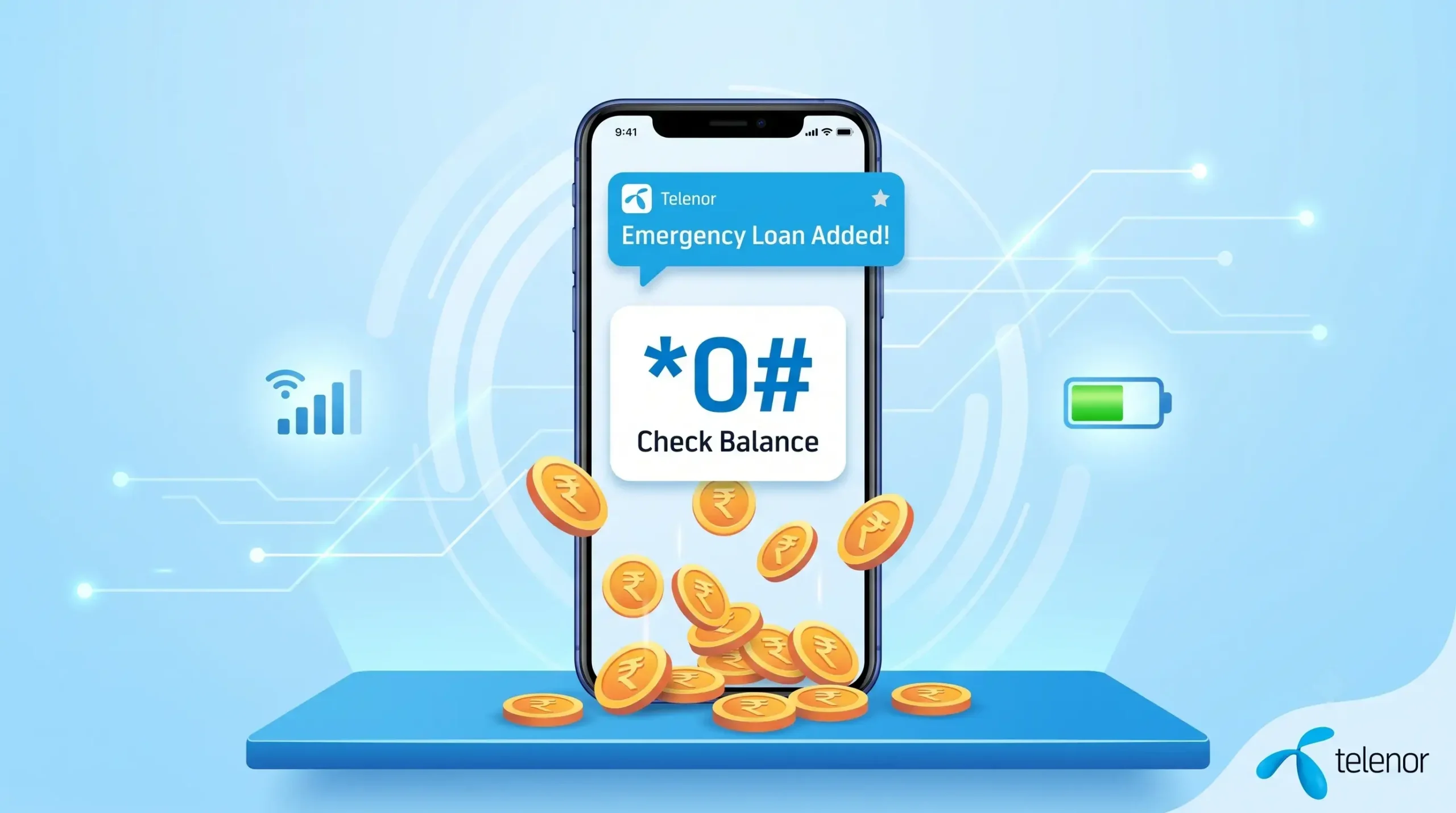
Dial *0#
As soon as you dial it, Telenor will instantly send emergency credit to your account. You will receive a confirmation SMS letting you know the exact amount that has been added to your balance.
Telenor Loan Details at a Glance
| FEATURE | DETAILS |
|---|---|
| Advance Loan Code | *0# |
| Loan Amount | Up to Rs. 30 (depending on recharge history) |
| Service Charges | Standard taxes + nominal service fee applied on next recharge |
| Eligibility | Telenor Prepaid customers |
Important Things to Keep in Mind
⦿ Automatic Deduction: The loan amount, plus a small service fee and standard taxes, will be automatically deducted from your account the very next time you recharge your balance.
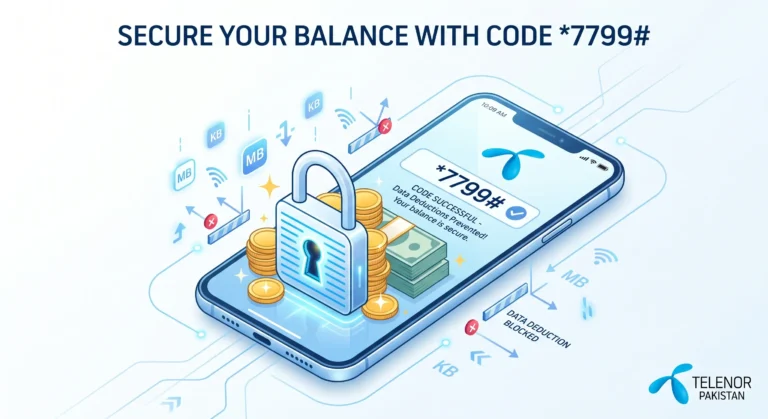
⦿ Keep Your Balance Safe: Once you get your emergency loan, make sure your background apps don’t instantly eat it up! If you haven’t already, be sure to activate the Telenor Balance Saver Code so your credit stays safe when your internet data runs out.
⦿ Clear Old Loans First: You can only request an advance if you have cleared any previous loans. If your *0# code isn’t working, double-check that you don’t already have an unpaid advance pending.
Getting an emergency loan is super easy and is the perfect backup plan for those moments when you are in a rush.
Frequently Asked Questions
Looking for help with the Telenor Advance Balance service? Here are answers to the most common questions about the advance loan code, eligibility, repayment, and service charges.