Have you ever noticed that your Telenor balance disappears as soon as your internet package expires? This happens because your SIM automatically starts using your main balance for internet at the normal rate when your package ends.
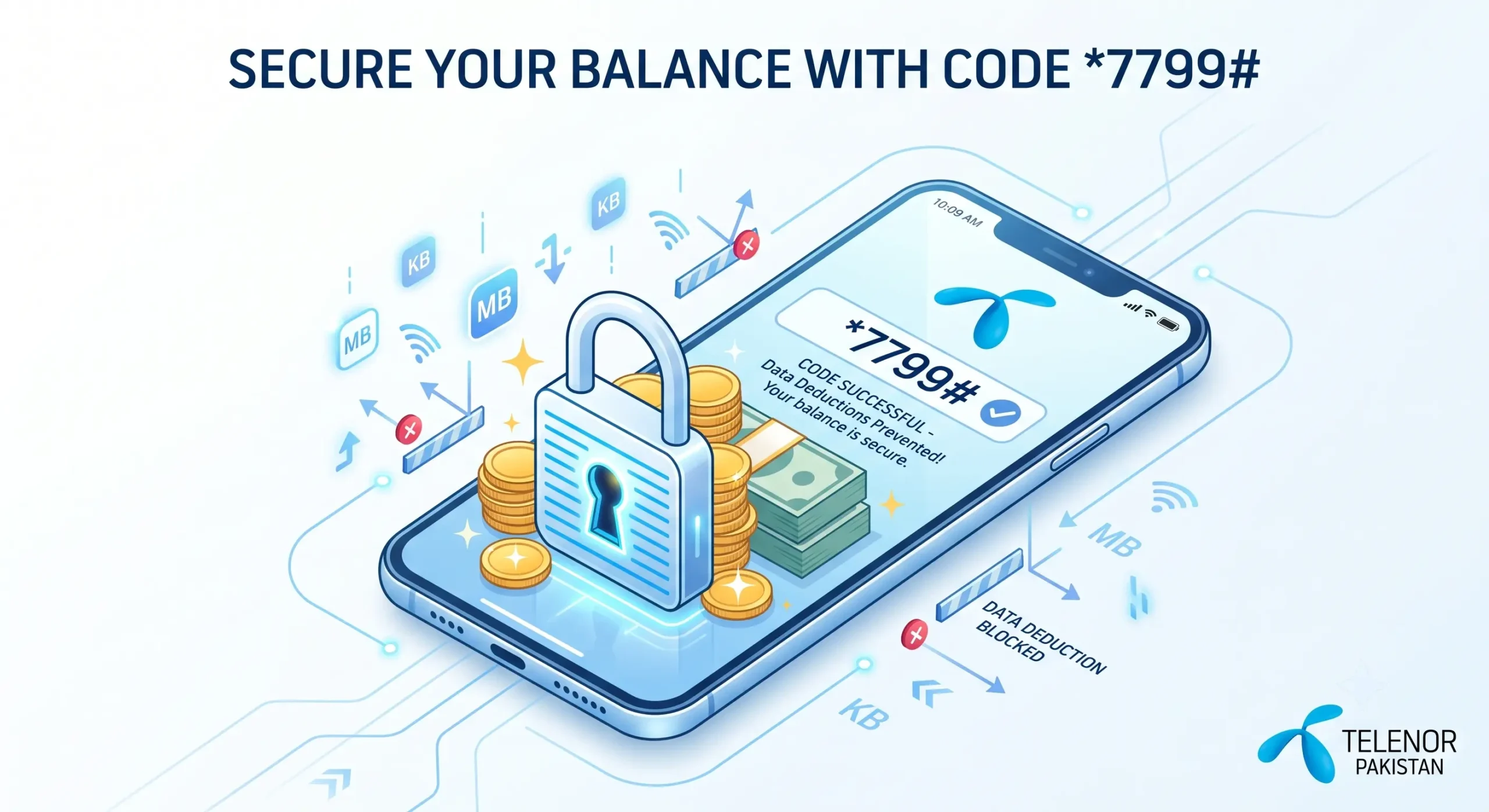
The good news is that Telenor offers an easy solution. You can dial a simple USSD code to protect your balance. Once it’s activated, your internet will stop working when your data package runs out, instead of using your main balance automatically.
The Telenor Balance Saver Code
To activate the balance saver service and stop unwanted data deductions, just dial the code below from your Telenor prepaid SIM:
| FEATURE | DETAILS |
|---|---|
| Balance Saver Code | *7799# |
| Charges | Rs. 0 (Completely Free) |
| Validity | Lifetime (Until you unsubscribe) |
| Eligible Customers | All Telenor Prepaid Users |
Step-by-Step Guide to Activate Balance Saver Code
1. Open the dialer pad on your mobile phone.
2. Type in *7799# and press the call button from your Telenor SIM.
3. Wait a few seconds for a confirmation pop-up on your screen.
4. You will receive a confirmation SMS stating that your out-of-bundle internet has been blocked.
Alternative Method: Using the My Telenor App
If you prefer using the app instead of USSD codes, you can easily activate this feature there as well:
⦿ Open the My Telenor App on your smartphone.
⦿ Log in with your Telenor number.
⦿ Navigate to the “Offers” or “Services” tab.
⦿ Search for “PayG Block” (Pay As You Go Block) or “Balance Saver” and toggle it on.
How to Unsubscribe from Balance Saver
If you ever want to use the internet without a package (using your main balance), you will need to deactivate this service. Simply dial *7799# again and follow the on-screen prompts to unsubscribe, or toggle the feature off inside the My Telenor App.
Frequently Asked Questions
Want to stop your Telenor balance from disappearing while using mobile data? Here are the most common questions about the Telenor Balance Saver Code, how it works, and how to protect your balance from unwanted deductions.